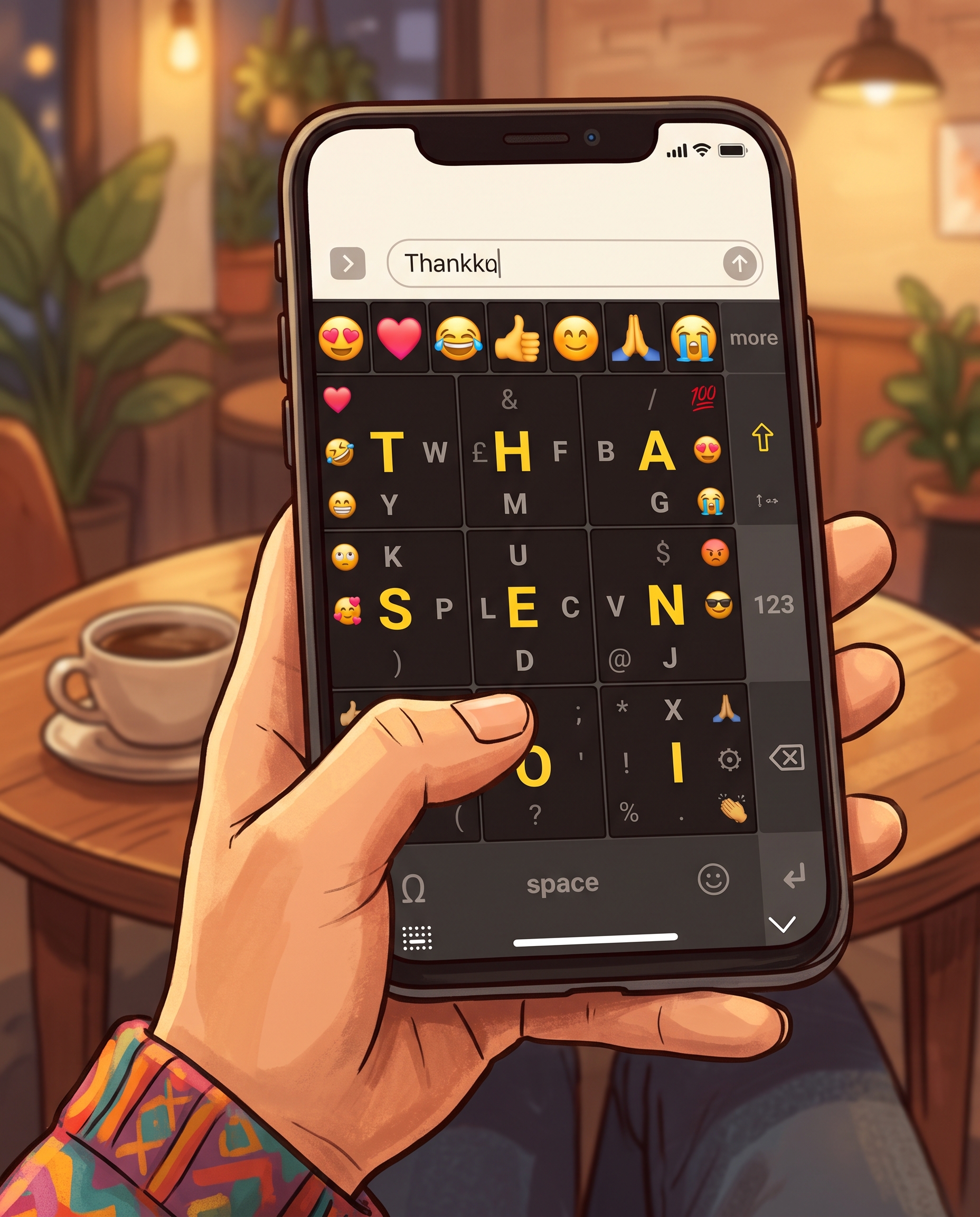
How it works
The letters look jumbled. They're not.
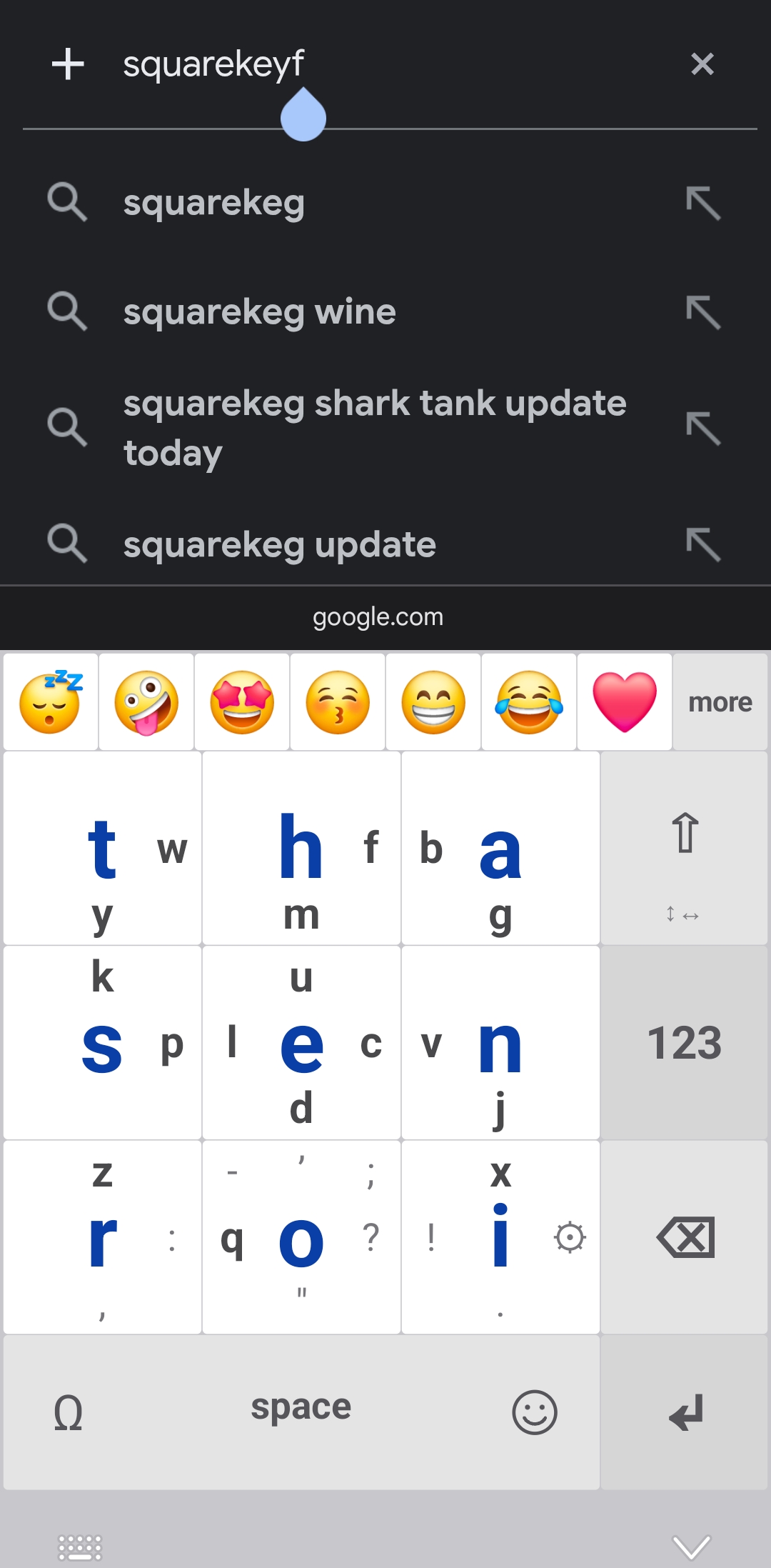
Every letter sits where it does because of how often you type it. The busiest letters get the easiest move: a single tap.
Nine letters do most of the work
In English, just nine letters make up about 70% of everything we type. Squirkey puts all nine on the centres of its keys, so roughly seven letters in every ten are one tap, with no aiming at tiny targets.
The next most common letters, all swipes:
Share of all letters in typical English text. The other 17 letters share the remaining 30% between them.
Tap
The 9 most used letters
Swipe
Every other letter, punctuation and symbols
Hold
Numbers 1–9, in phone or calculator order
Why switch to Squirkey?
Built for accuracy, comfort, privacy and your own way of typing.
Far fewer typos
Nine keys, each several times the size of a QWERTY key. Big fingers finally have room, and the keys can be made bigger still.
Private and offline
Squirkey has no internet permission, so it can't send anything anywhere. What you type stays on your phone.
Make it yours
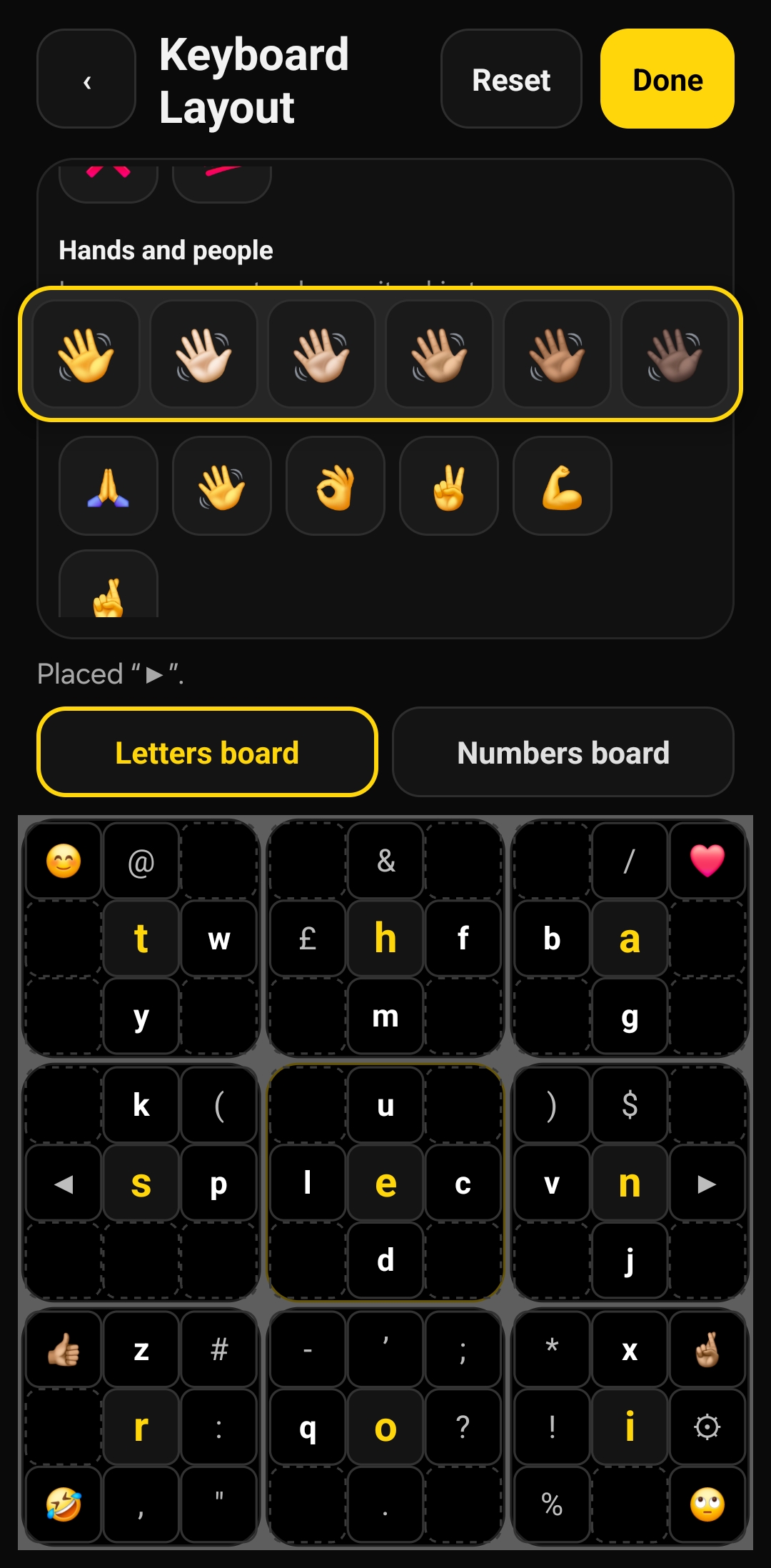
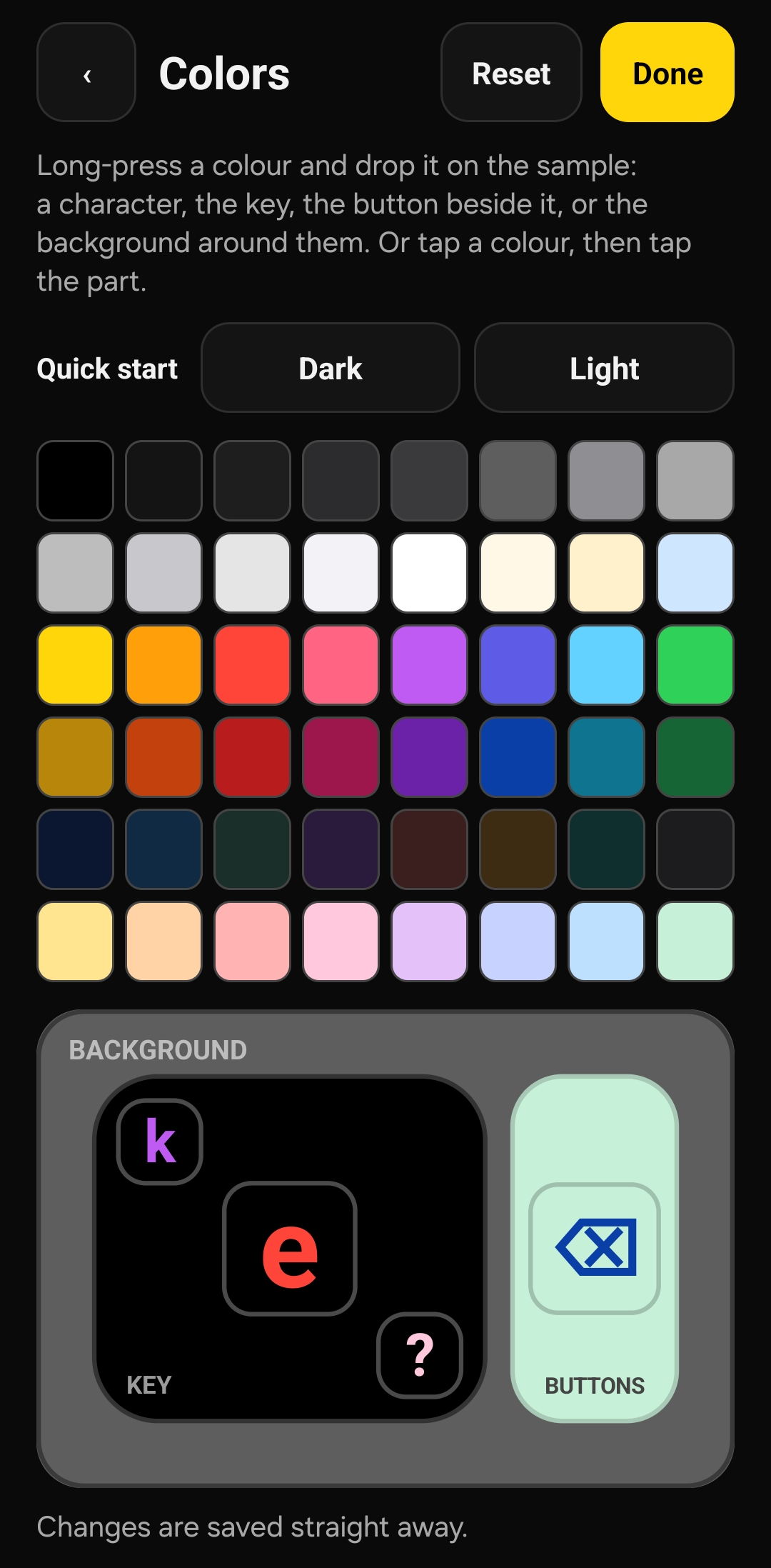
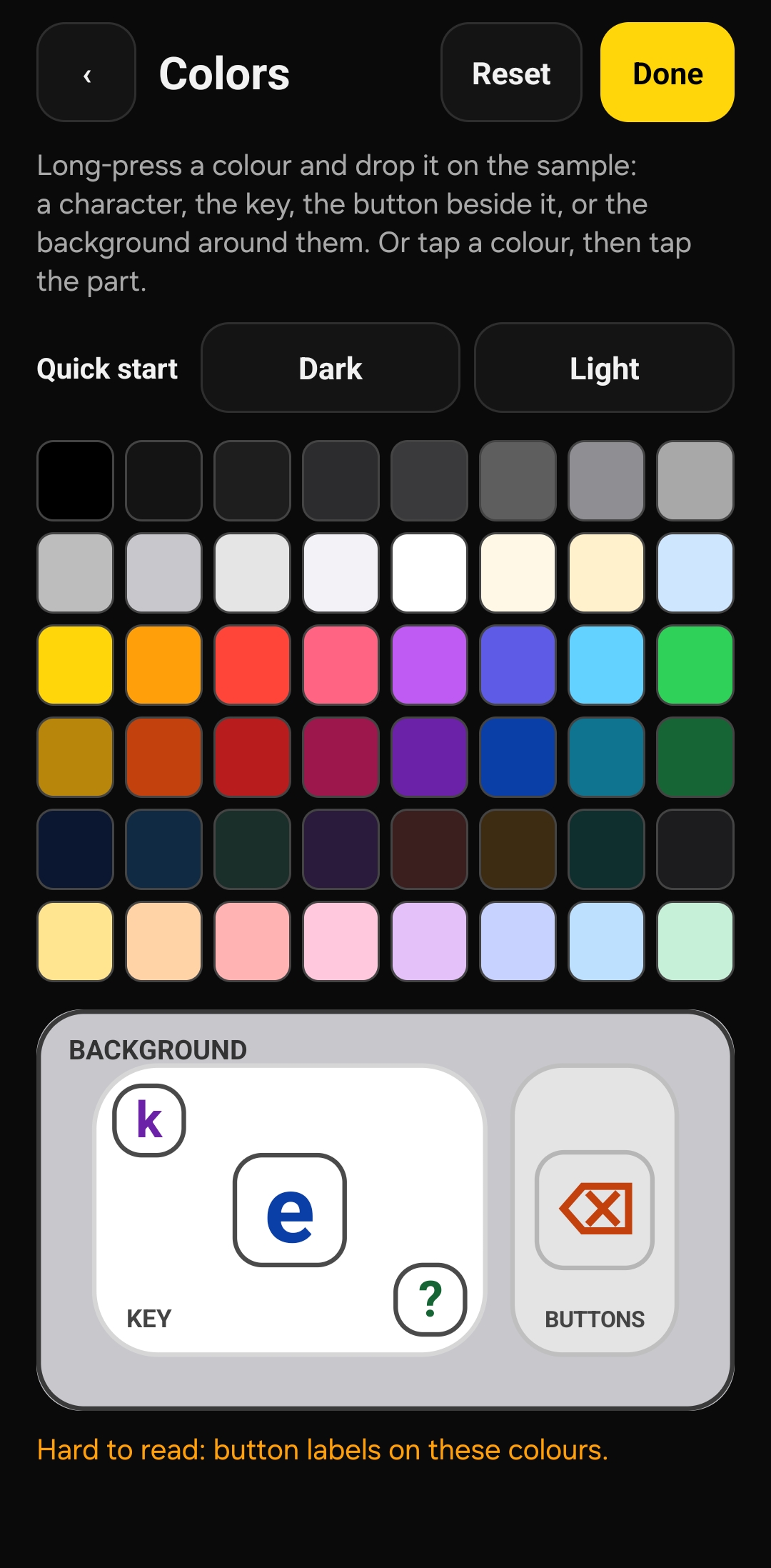
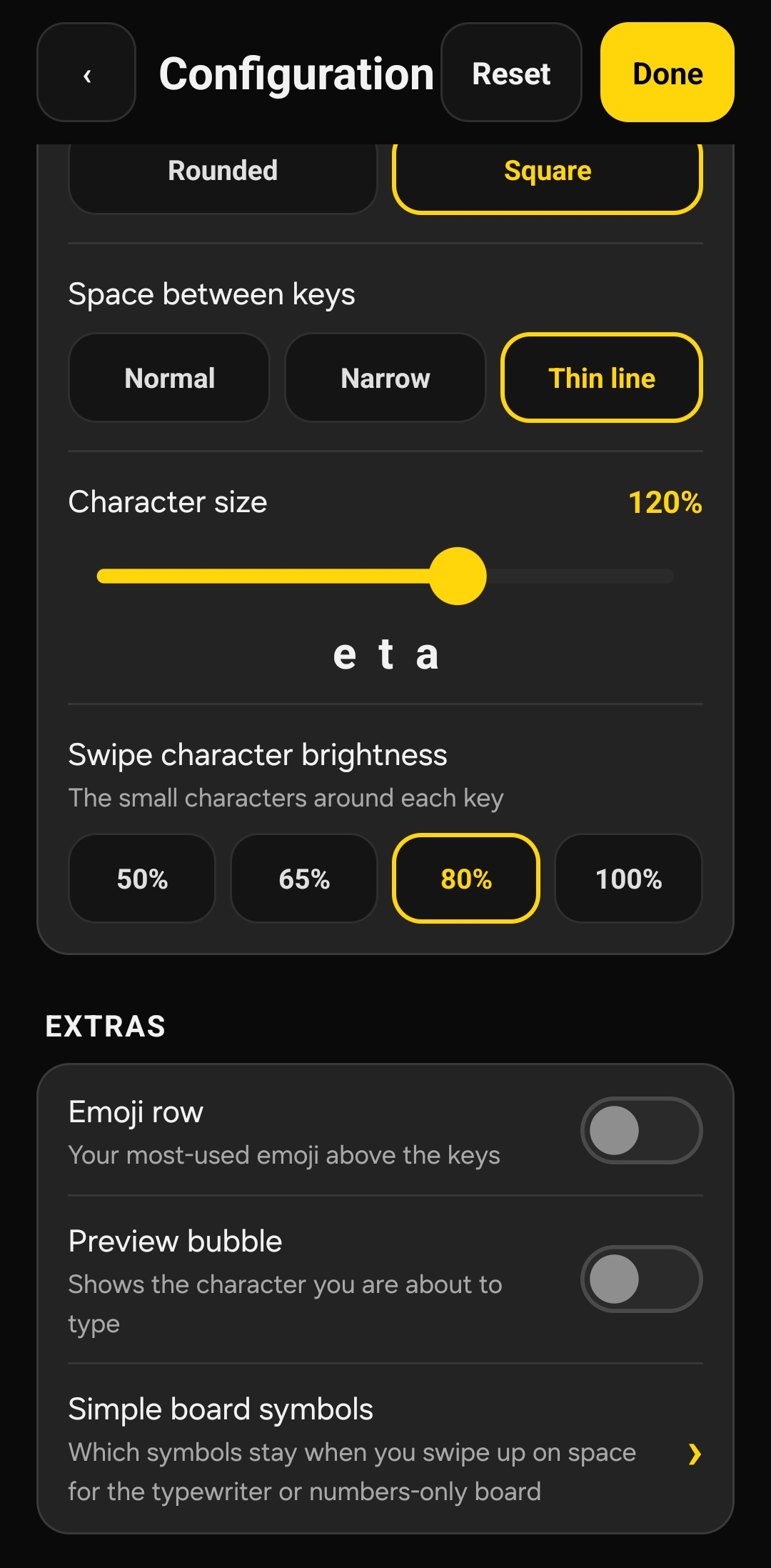
Tap any letter, symbol or emoji, then tap where you want it. Colour every part, buttons included, from 48 colours, or start from a ready-made light or dark theme.
Any size you like
Swipe on the ⇧ key to make the keys bigger or smaller, and set the character size from 70% to 150%.
Every emoji and symbol
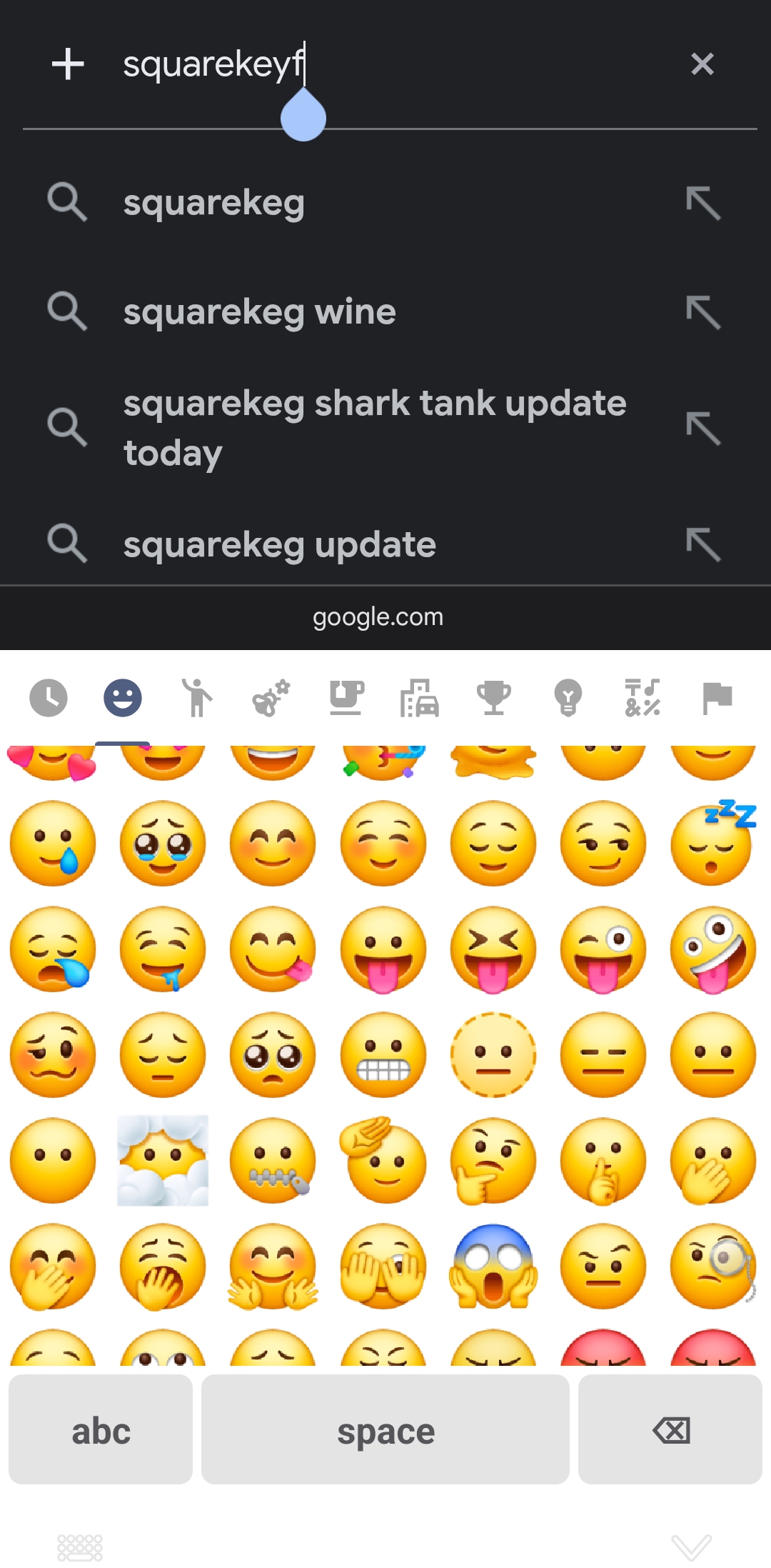
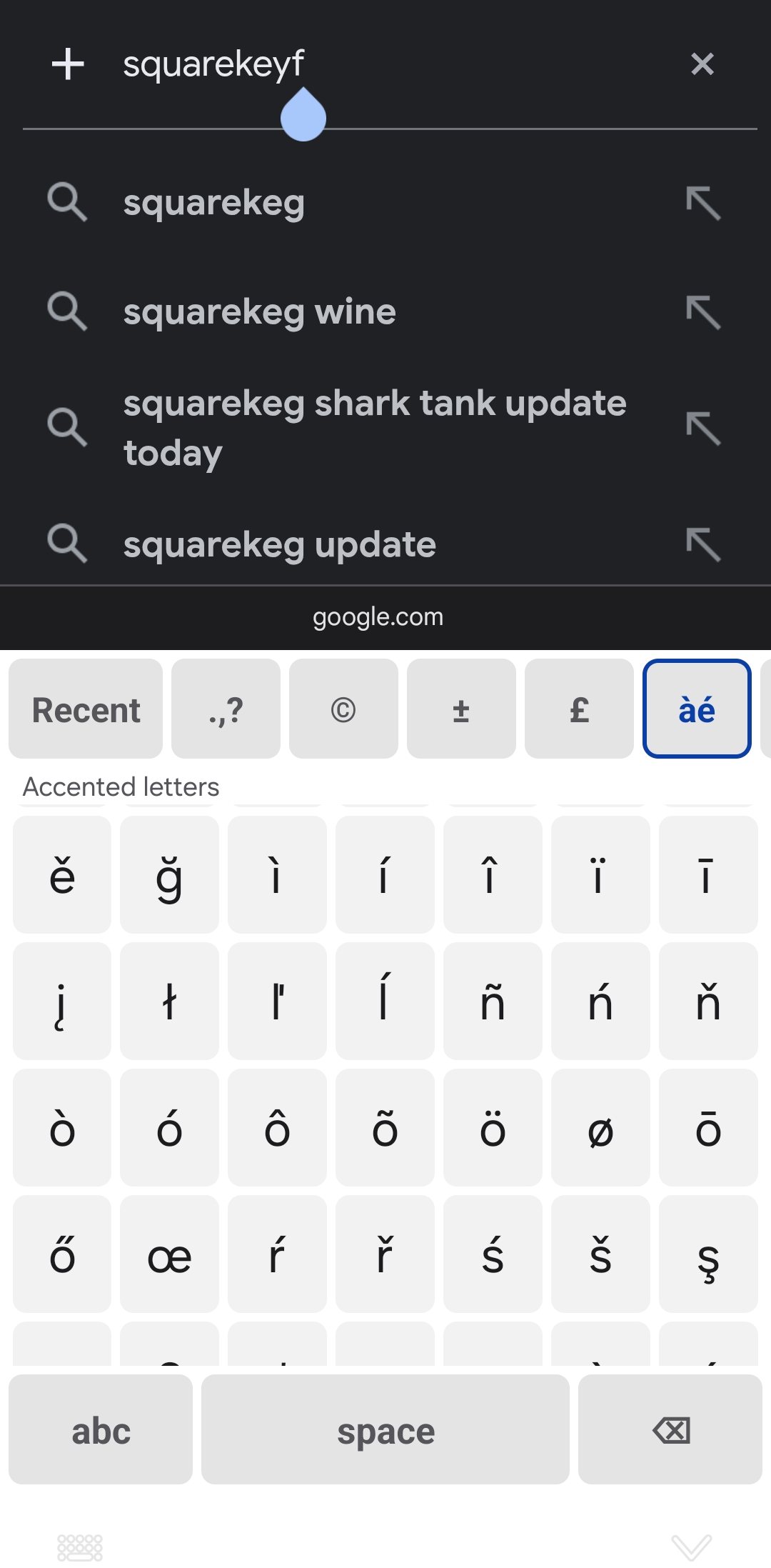
A row of your favourite emoji, plus every emoji (with skin tones) and every special character one swipe away on the space bar.
A calmer board when you want it
Swipe up on space for a simpler typewriter board: just letters and the punctuation you choose.
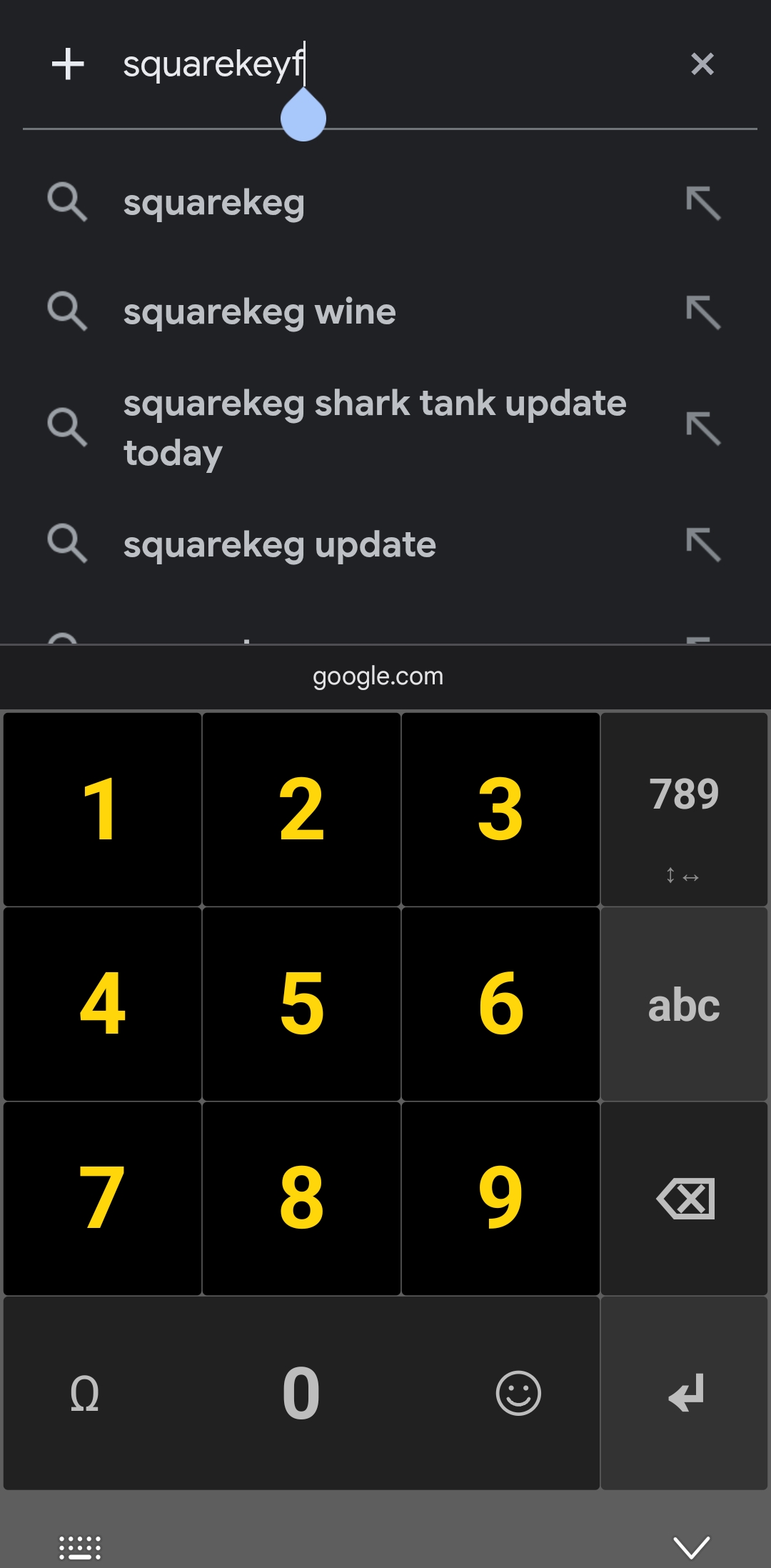
See it in action
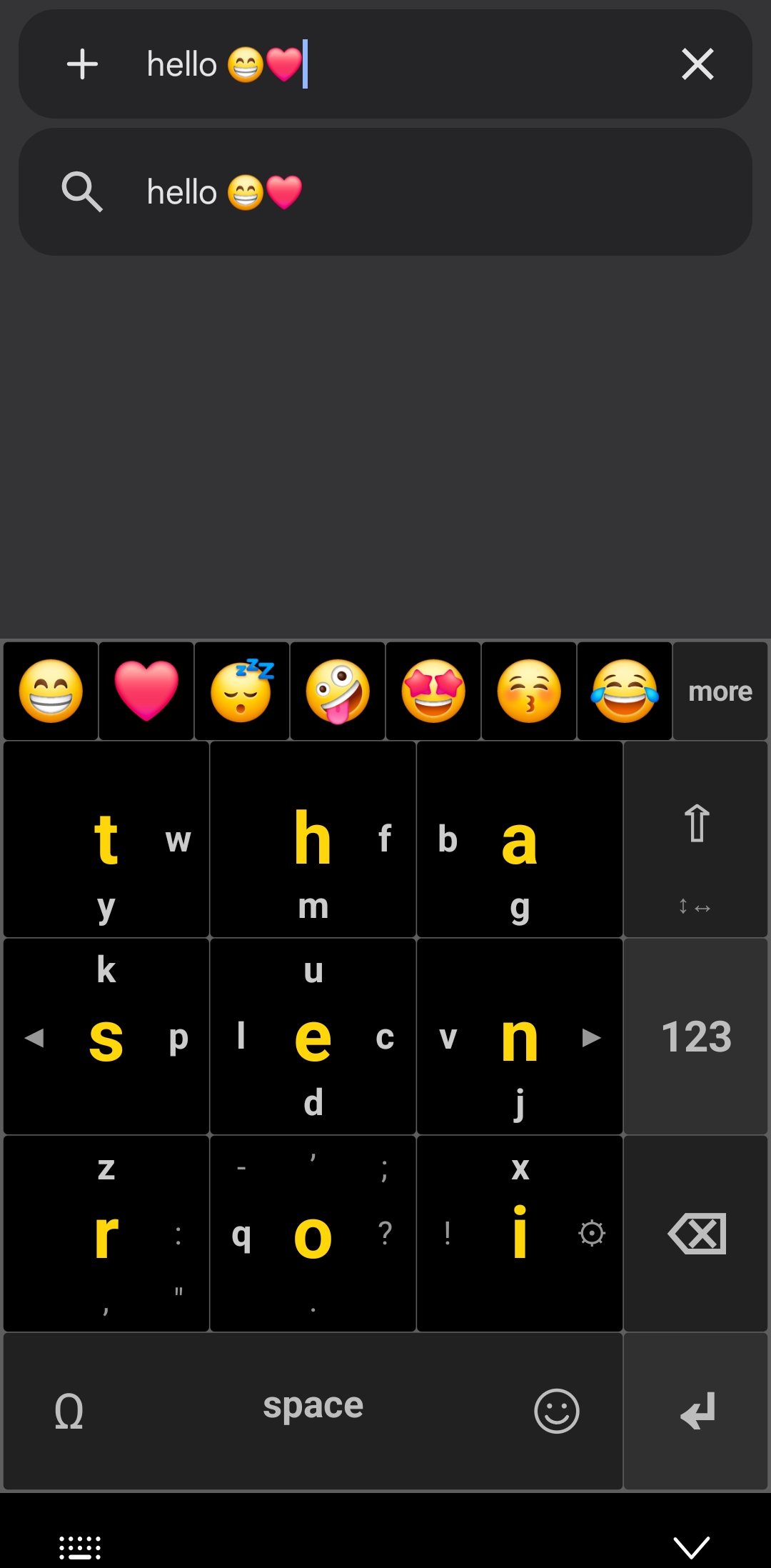
The keyboard in everyday apps, in dark and light, and the screens where you make it your own.
Dark
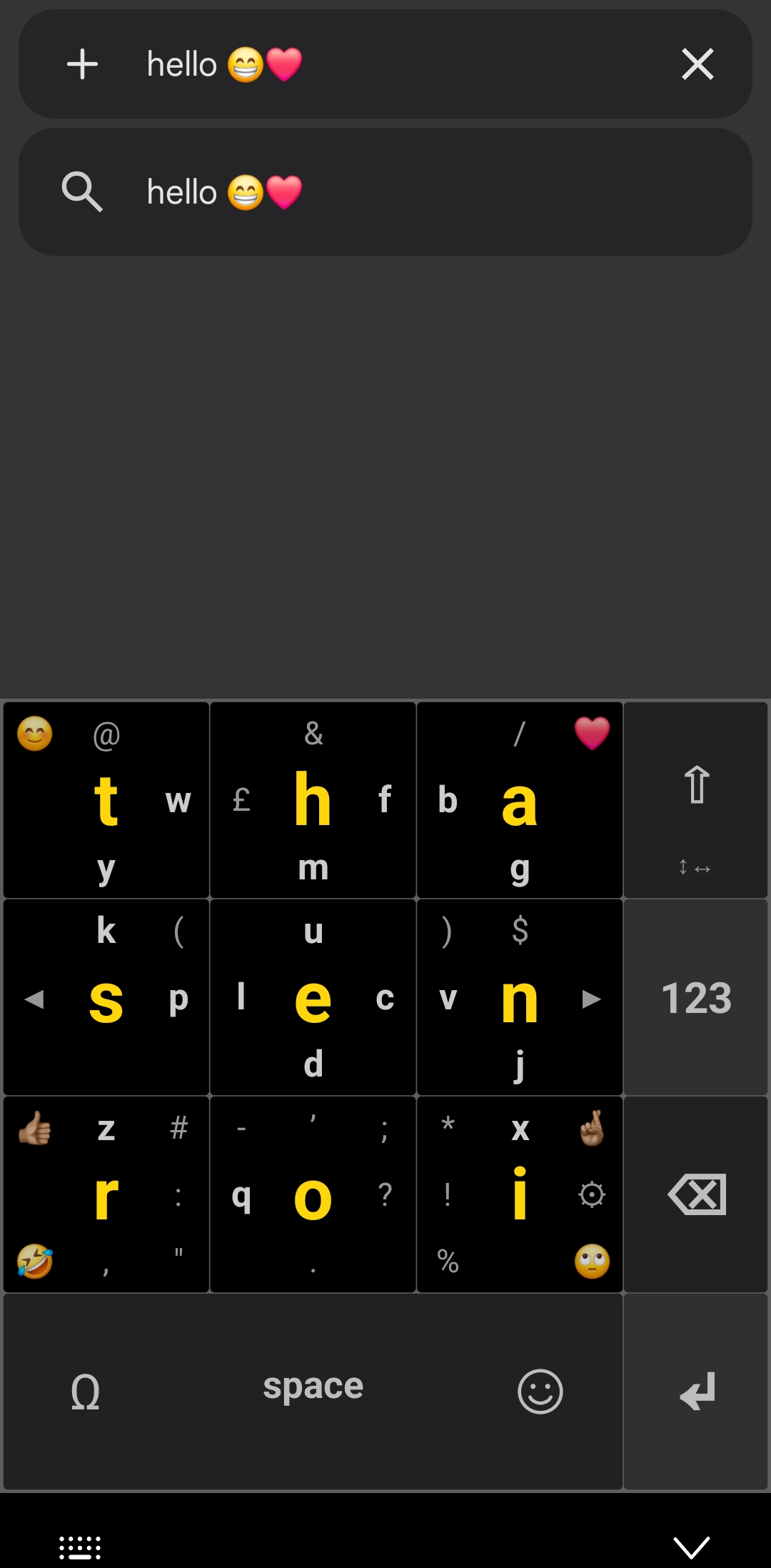
Light
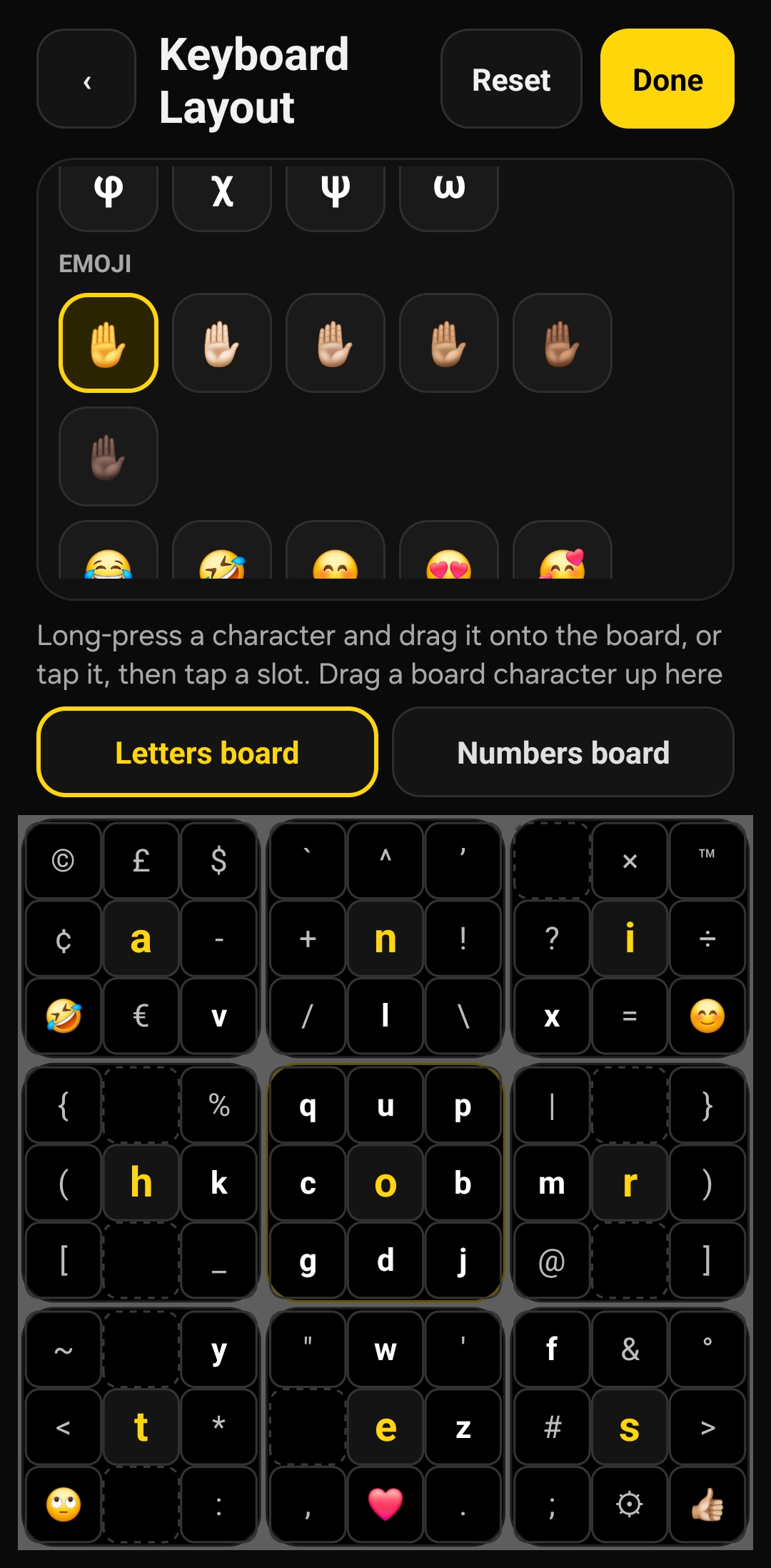
Make it yours
Frequently asked questions
Why are the letters arranged in such a funny order?
Because the order comes from science, not habit. Some letters are used far more than others: in English, just nine letters, E T A O I N S H R, make up about 70% of everything we type.
Squirkey puts those nine letters on the centres of its nine keys, so roughly seven letters in every ten are a single tap. The less common letters sit around the edges, a short swipe away, and the rarest ones, like Q, X and Z, are the swipes you'll need least often.
It looks odd for the first few minutes. Then it starts to feel obvious: the letters you need most are always right under your thumb.
Why not just use QWERTY?
QWERTY was designed in the 1870s for mechanical typewriters and ten fingers on a desk. It was never meant for thumbs on a phone screen.
Squeezing its 26 letters onto a phone makes every key tiny, which is where most typos come from, especially with larger fingers. Squirkey uses nine big keys instead, each several times the size of a phone's QWERTY key, so you hit what you aim for.
How do I type the small letters around the edges?
Start in the middle of a key and swipe towards the small letter you want, then lift your finger. A short flick in the right direction is enough, and you don't need to stay inside the key.
A bubble above the key shows the letter you're about to type, so you can check before you let go. Changed your mind? Keep your finger down and move towards the other letter: whatever the bubble shows when you lift is what's typed.
Is it hard to learn?
There's a short learning curve, like any new layout. Because the most common letters are taps, you can type whole words straight away, and the swipes for the rarer letters soon become muscle memory.
Give it a few days of everyday use. Most of the effort is forgetting where QWERTY put things.
How do I type capitals, numbers and punctuation?
Capitals: sentences start with a capital automatically. Tap ⇧ for the next capital, double-tap it for caps lock, or swipe out to a letter and back to flip its case.
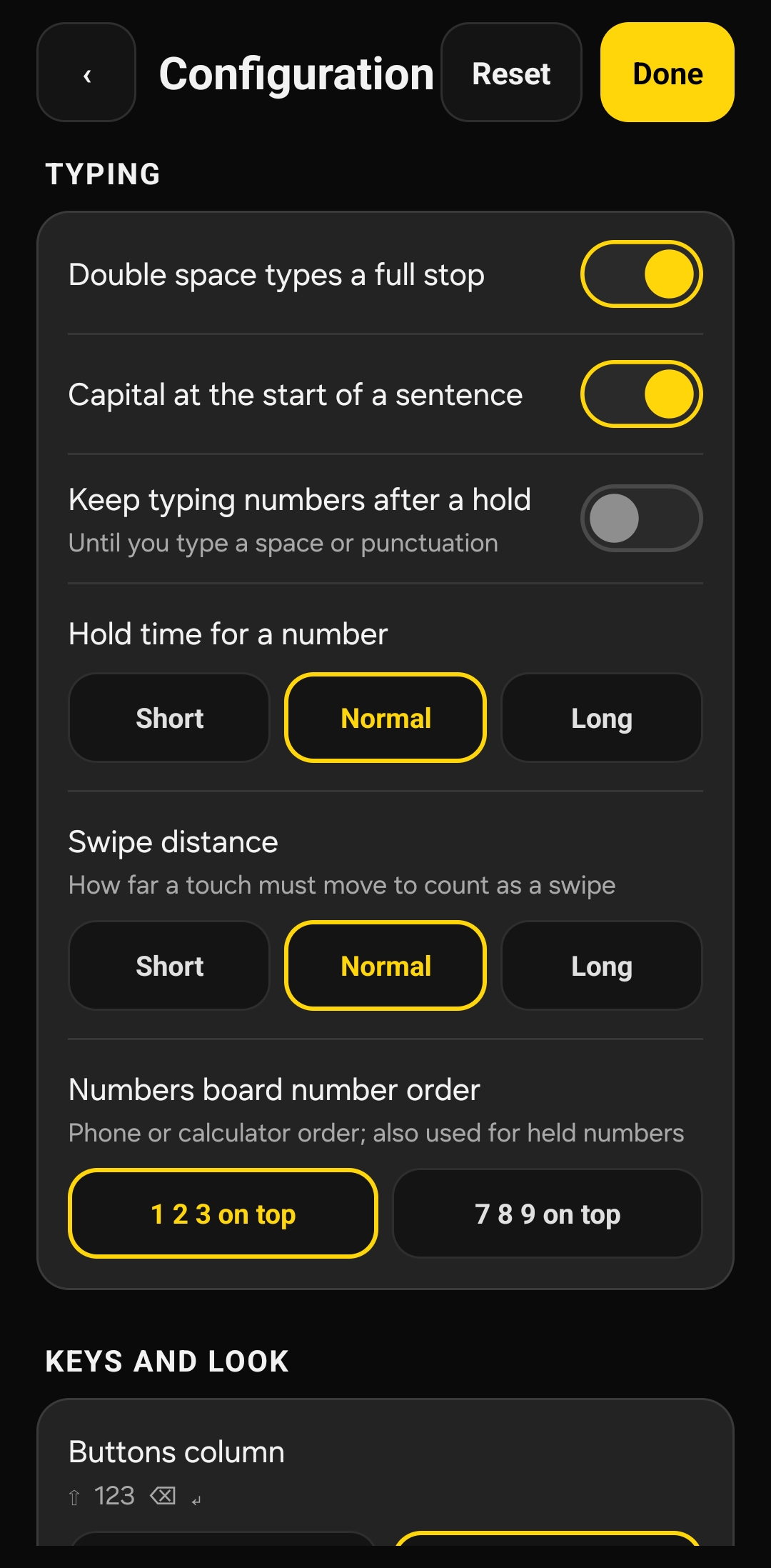
Numbers: hold any key for its number. The keys are numbered like a phone keypad, from 1 at the top left to 9 at the bottom right, or like a calculator, with 7 at the top left, if you choose that order on the Numbers board. Holding space gives 0. Or tap 123 for the full Numbers board, where space types 0 and holding it gives a space.
Punctuation, symbols and emoji: the most used punctuation is a swipe on the keys. Swipe left on space for every other character, and right on space for every emoji.
Can I move the letters somewhere else?
Yes. The letter-frequency layout is just the starting point. In Change Keyboard Layout, tap any letter, symbol or emoji, then tap the key or swipe position you want it on. Tapping means your finger never hides where it's going. Reset brings the standard layout back at any time.
Does Squirkey track what I type?
No. Squirkey doesn't have permission to use the internet, so it has no way to send anything off your phone. The emoji and characters it learns you like are remembered on your phone only. The full details are in our privacy policy.
Is there a subscription?
No. Squirkey will never charge you monthly.
Can I back up or move my setup to another phone?
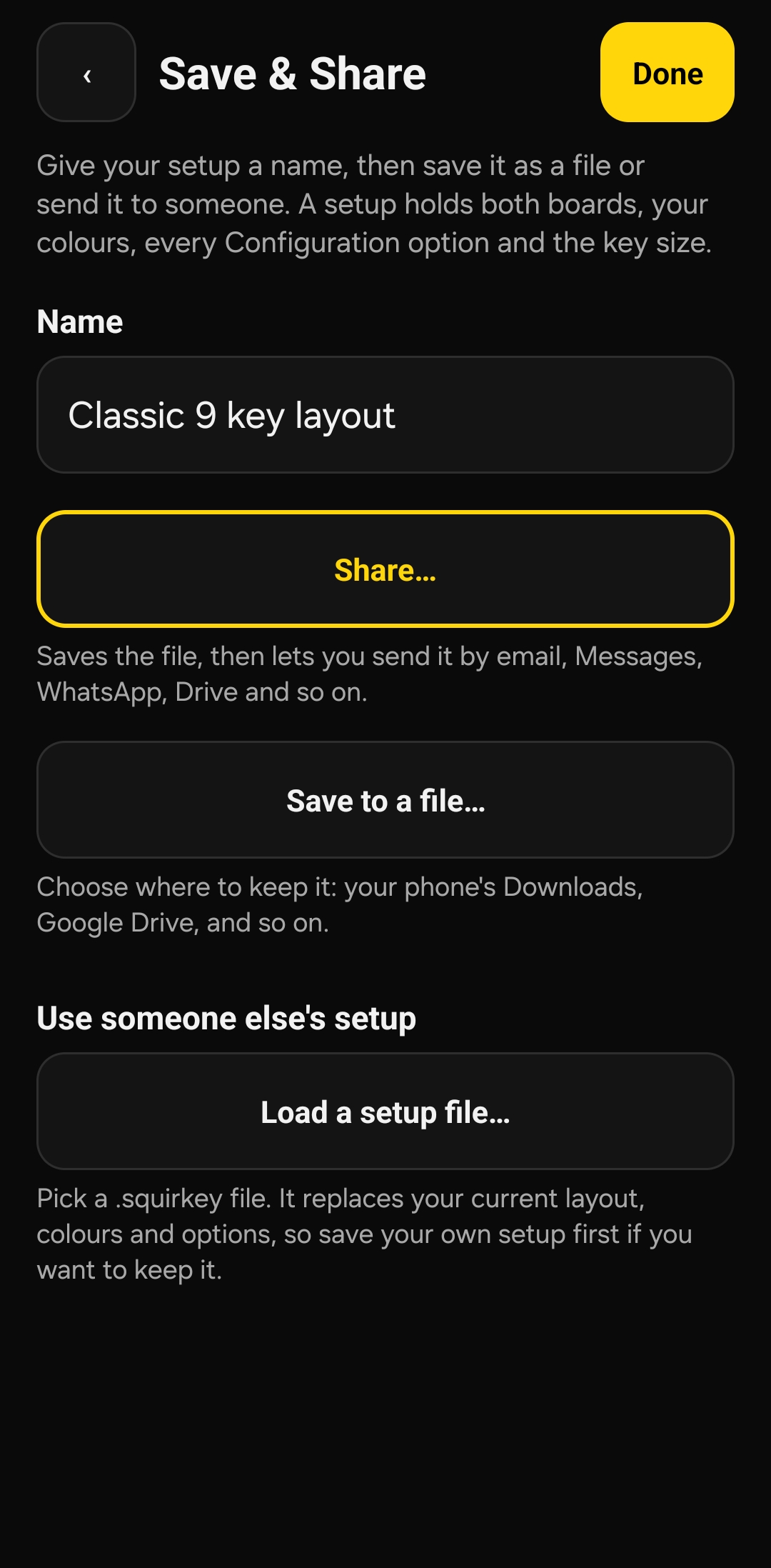
Yes. Save & Share puts your layout, colours, settings and key size into a .squirkey file. Keep it somewhere safe, send it to a friend, or load it on another phone.
Why is it called Squirkey?
It's square: nine square keys in a 3×3 grid. It's quirky: the letters aren't where you'd expect. And it's a keyboard. Square + quirky + key = Squirkey.
Privacy policy
Squirkey keyboard for Android · Last updated 28 October 2026
The short version
Squirkey does not collect, store or share what you type. It has no internet access, no adverts, no analytics and no tracking. Your settings stay on your phone.
Who we are
Squirkey is made by 1402 Labs ("we", "us"). This policy explains what the Squirkey app does with information on your device. If you have any questions, contact us at privacy@1402labs.com.
What you type
When you turn on any keyboard, Android shows a standard warning that the keyboard may be able to collect the text you type. Android shows this for every keyboard; it doesn't mean Squirkey does so.
Squirkey passes each character to the app you are typing in, and that's all. It does not keep a record of your words, messages or passwords, and it does not learn from your text.
No internet access
Squirkey does not ask Android for permission to use the internet, so it cannot send anything off your phone. The only permission it uses is vibration, for the optional buzz when you press a key.
There are no adverts, analytics, crash reporting or tracking tools in the app, and we don't share information with anyone, because we don't have any to share.
What Squirkey keeps on your phone
To work the way you set it up, Squirkey saves a few things in its own private storage on your phone, which other apps can't read:
- your keyboard layout, colours, Configuration options, key size and setup name;
- which emoji and special characters you pick most often, and when you last used them, so your favourites can be shown first. Only the emoji or character itself is saved, never the text around it.
This information never leaves your phone through Squirkey. You can delete it at any time by clearing Squirkey's storage in your phone's Settings, or by uninstalling the app.
Your phone's own backup
If you have turned on Android's backup (for example, to your Google account), Android may include Squirkey's settings from the list above in that backup, so they come back if you change phone. The backup is made and stored by Android and your backup provider, not by us, and we can't see it. You can switch backup off in your phone's Settings.
Setup files you save or share
Save & Share can put your layout, colours and settings into a .squirkey file. This only happens when you ask it to, and you choose where the file goes or who it's sent to. The file contains no messages or typing history. Once you share it, it's handled by the app or service you chose.
Autofill suggestions
If you use an Autofill service (such as Google or a password manager), Android can show its suggestions, like saved addresses or passwords, in a strip above Squirkey's keys. Android draws these suggestions itself and puts them into the box you are filling. Squirkey only provides the space for them: it cannot read their contents and does not store them. You can hide the strip in Squirkey's Configuration.
Purchases
If Squirkey offers paid features, purchases are handled by Google Play under Google's own privacy policy. We receive confirmation that a purchase was made, never your payment details.
Children
Squirkey collects no personal information from anyone, including children.
Your rights
Because we don't collect or hold personal information about you, there is nothing for us to give you a copy of, correct or delete. Everything Squirkey stores is on your own phone and under your control. Under UK data protection law you can contact us with any concern, or complain to the Information Commissioner's Office (ico.org.uk).
Changes to this policy
If Squirkey ever changes what it does with information, we'll update this policy and the date at the top before the change reaches the app.